Every host knows that moment of dread when your cleaner texts to say the property isn't ready, your next guest is arriving in two hours, and you have no idea what state the last guest left things in. Clear check-out instructions don't just make life easier, they directly protect your booking calendar, reduce last-minute scrambles, and cut down the flood of "what do I do with the keys?" messages that eat into your day. A simple template, delivered automatically, transforms checkout from a source of stress into a smooth, predictable process that keeps your operation running on schedule.
Why Every Host Needs a Check-Out Template
A standardized check-out template eliminates guesswork for guests and creates consistency across every single booking, which means fewer surprises and faster turnarounds for your cleaning team. When you're managing multiple properties or back-to-back bookings, the difference between a guest who knows exactly what to do and one who's texting you at 10:45am asking about checkout time can determine whether your next guest checks in smoothly or encounters a half-cleaned property.
The True Cost of Unclear Check-Out Instructions
Without clear instructions, hosts face a cascade of problems that compound quickly. Late checkouts happen when guests aren't sure of the time or think they have wiggle room. Keys get left in random locations or taken accidentally. Trash piles up because guests don't know where bins are located. Thermostats stay cranked to extreme temperatures, running up utility bills. Each of these issues delays your cleaner, compresses turnaround time, and increases the risk that your next guest arrives before the property is ready. The financial impact isn't just the extra cleaning hour you're paying for, it's the potential cancellation or bad review when things go wrong.
Want to automate your entire guest communication process? Create a digital guidebook that delivers check-in, house rules, and check-out instructions automatically, so you never have to manually send the same message twice.
Start for freeHow Templates Reduce Turnover Time
A well-crafted template sets explicit expectations that guide guest behavior before they even start packing. When guests know to start a load of towels, place trash in the designated bins, and lock up properly, your cleaner walks into a property that's 70% ready instead of a complete disaster zone. This cuts cleaning time from three hours to ninety minutes, which means you can accept same-day turnovers and maximize your booking availability. The template also eliminates the back-and-forth texting that happens when instructions are vague, saving you 15-20 minutes per checkout that adds up quickly across multiple properties.
Guest Questions That Templates Eliminate
Without a template, you'll field the same five questions from nearly every guest. What time is checkout? Where do I leave the keys? What do I do with the trash? Should I strip the beds? Do I need to run the dishwasher? A comprehensive template answers all of these upfront, which means your phone stays quiet on checkout day and guests feel confident they're meeting expectations. This is especially valuable for understanding what Airbnb guests want from hosts, which always includes clear, proactive communication that doesn't require them to ask basic questions.
What to Include in Your Template
An effective check-out template should cover every action a guest needs to take, organized in logical order and written in friendly but direct language that doesn't leave room for interpretation.
Checkout Time and Flexibility Window
State your checkout time clearly at the very beginning, using both 12-hour format and clarifying AM/PM to avoid confusion (10:00 AM or 11:00 AM are standard). If you offer any flexibility for late checkout, specify exactly how guests should request it and how much advance notice you need. Make it clear that late checkouts aren't automatic and require your approval. For example: "Check-out time is 10:00 AM sharp. If you need a late checkout, please message us at least 24 hours in advance, we'll do our best to accommodate if our schedule allows."
Key, Fob, and Access Return Procedures
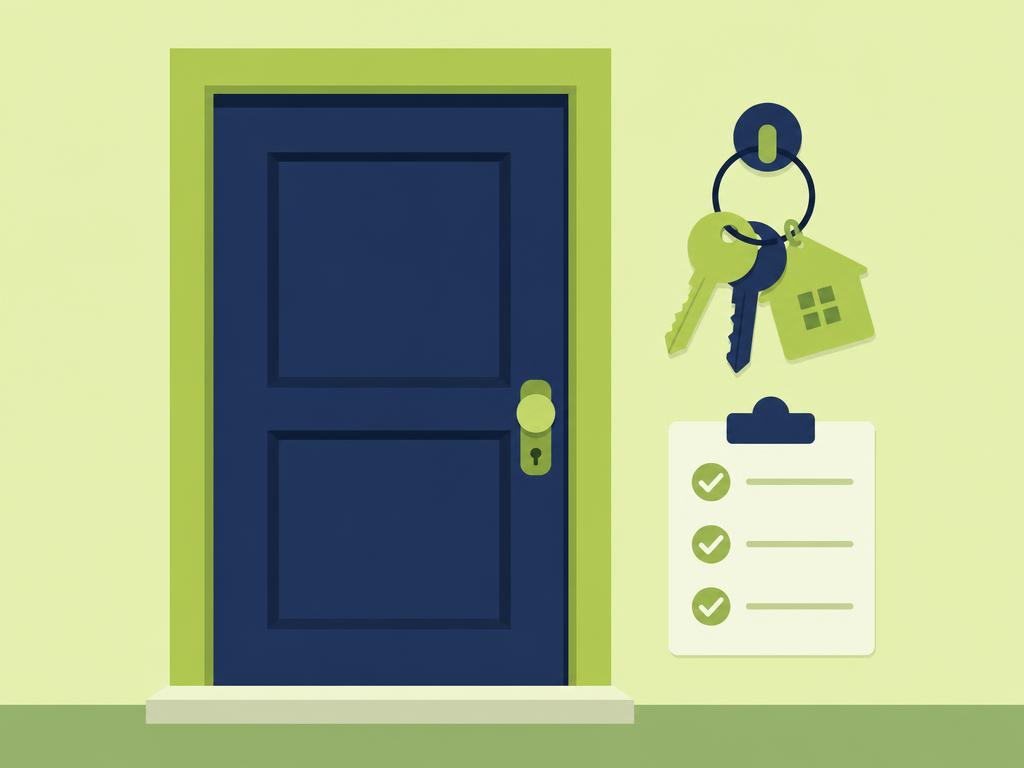
Be extremely specific about what guests should do with keys, access cards, garage remotes, or any other entry devices. If you use a lockbox, tell them to place keys inside and scramble the code. If you use a key drop, describe its exact location. For keyless entry, remind them that their code expires at checkout time. Never assume guests will figure this out, spell it out: "Please place both door keys in the silver lockbox on the front porch and spin the dials to any random numbers."
Trash, Recycling, and Disposal Instructions
Garbage creates the biggest mess when guests don't know what to do with it. Tell guests exactly where to place trash bags, whether to take them to an outdoor bin, and what day garbage pickup occurs if relevant. If you have recycling, briefly explain what goes where. Keep it simple: "Please tie up all trash bags and place them in the large bin in the garage. If the bin is full, leave bags next to it, our team will handle it."
Thermostat, Lights, and Appliance Settings
Specify what temperature to set the thermostat to (typically 68°F in winter, 72°F in summer for vacant properties) and ask guests to turn off all lights. Mention any appliances that should be turned off, especially space heaters, fireplaces, or outdoor features like hot tubs. This prevents energy waste and potential safety issues. For example: "Please set the thermostat to 70°F, turn off all lights, and make sure the fireplace is completely off with the glass doors closed."
Light Tidying Requests
Decide what level of tidying you'll request based on your positioning and pricing. Budget properties might ask guests to strip beds, run the dishwasher, and start a load of towels. Mid-range properties typically ask for dishes to be loaded and trash removed. Luxury properties often request nothing beyond placing trash in bins and leaving keys. Be realistic about getting five-star reviews, excessive checkout chores irritate guests and hurt ratings. Keep requests to five minutes of effort maximum.
Copy and Paste Check-Out Template
These templates are ready to customize with your specific property details, just replace the bracketed sections with your information and adjust requests based on your property type and pricing tier.
Standard Template for Most Properties
Check-Out Instructions:
Thank you for staying with us! Check-out time is [10:00 AM / 11:00 AM] today.
Before you leave:
• Place all trash in bags and put them in [location of trash bins]
• Load any dirty dishes into the dishwasher and start it
• Set the thermostat to [70°F]
• Turn off all lights and make sure all windows and doors are locked
• Leave keys [in the lockbox on the front porch / on the kitchen counter / specific location]
No need to strip beds or wash towels, our cleaning team will handle that. If you've had a great stay, we'd love a review! Safe travels.
Minimal Request Template
Check-Out Instructions:
Check-out time is [11:00 AM] today. Here's all we ask:
• Place trash bags in [outdoor bins in the garage]
• Lock all doors and windows
• Leave keys [specific location]
• Set thermostat to [72°F]
That's it! We'll take care of the rest. Thanks for staying with us, we hope to host you again soon.
Detailed Template for Premium Properties
Check-Out Instructions:
Thank you for choosing our home! Check-out time is [11:00 AM].
Please complete these simple steps before departure:
• Place all used towels in the laundry room hamper
• Put any trash in the bins located in [the garage]
• Ensure all doors and windows are locked
• Set the thermostat to [70°F]
• Turn off all lights, including the outdoor patio lights
• Place keys [on the entry table / in the lockbox]
Our housekeeping team will handle all cleaning and linens. If you enjoyed your stay, a review means the world to us. We hope to welcome you back soon!
Customization Tips for Your Property
Adapt any template by adding property-specific details that matter for your space. If you have a pool, remind guests to close the pool gate. If you have unique appliances like a wine fridge or espresso machine, mention turning them off. If parking requires a specific process, include it. Keep the tone friendly and appreciative rather than demanding. Test your template by reading it aloud, if it sounds like a chore list that would annoy you as a guest, dial it back. Your welcome book template should complement these instructions with check-in details and house rules, creating a complete communication system.
How to Deliver Instructions Automatically
The best template in the world is worthless if you forget to send it or send it at the wrong time, which is why automation is essential for any host managing more than occasional bookings.
Scheduled Messages vs Digital Guidebooks
You have two main options for automating check-out instructions. Scheduled messages through Airbnb's messaging system or your channel manager work for basic needs, letting you set up a message to send the morning of checkout. However, digital guidebooks provide a better guest experience because instructions are always accessible rather than buried in message history. Guests can reference the guidebook whenever they need it without scrolling through conversations. Guidebooks also let you include photos showing exactly where to put trash or leave keys, eliminating confusion.
Setting Up Automated Delivery Timing
Send check-out instructions the evening before departure (around 6-8 PM) so guests see them while planning their morning, or early on checkout day (7-8 AM) to catch them before they start packing. Avoid sending instructions more than 24 hours in advance because guests won't remember details. If using Airbnb's scheduled messages, set up the template once and it will automatically send for every booking. For digital guidebooks, instructions are always available so timing matters less, but you might send a gentle reminder message on checkout morning.
Making Instructions Easy to Reference
Format matters as much as content. Use bullet points instead of dense paragraphs. Put the checkout time in bold at the top. If sending via message, keep it short enough that guests don't have to scroll. If using a digital guidebook, create a dedicated "Check-Out" section that's easy to find in the navigation. Include photos of the lockbox, trash bin locations, or thermostat if guests might struggle to find them. The easier you make it to follow instructions, the more likely guests will actually do what you're asking.
Conclusion
A well-crafted check-out template is one of the simplest tools you can implement to dramatically improve your hosting operation. By setting clear expectations, you reduce guest questions, speed up turnover times, and create a more professional experience that leads to better reviews and fewer operational headaches. The templates provided here give you a starting point that works for most properties, and customizing them takes just a few minutes but saves hours of communication time across dozens of bookings.
The key to making templates truly effective is pairing them with reliable automation. Whether you use scheduled messages or a comprehensive digital guidebook, removing the manual work of sending instructions ensures consistency and eliminates the risk of forgetting to communicate critical details. Your guests get the information they need exactly when they need it, and you get the peace of mind that comes from knowing every checkout will run smoothly.
Ready to streamline your entire guest communication process? Create your free digital guest guide today and automate not just check-out instructions, but your entire welcome book, house rules, and local recommendations. Join thousands of hosts who've eliminated repetitive messaging and created a five-star guest experience that runs on autopilot.