Your guests unlock their phones dozens of times during their stay, searching for where to eat dinner or what to do on a rainy afternoon. If your local recommendations are buried in a messy text file or scattered across multiple messages, they will default to generic Google searches instead of discovering the hidden gem you loved sharing. A well-organized guide transforms casual guests into enthusiastic advocates who leave glowing reviews praising your insider knowledge and thoughtful hospitality.
Why Organization Matters for Local Guides
Organization directly impacts whether guests actually use your recommendations or ignore them entirely. When you structure your local guide thoughtfully, you make it easy for tired travelers to make quick decisions without feeling overwhelmed by choices. The difference between a helpful guide and one that gets skipped comes down to how you present information, not just what information you include.
Guests access guides on mobile devices
Nearly three-quarters of your guests will view your recommendations on a smartphone while standing on a street corner trying to decide where to grab lunch. Small screens demand concise formatting, clear categories, and scannable content. Long paragraphs describing your favorite bistro might read beautifully on a laptop, but they become unreadable walls of text on mobile devices. Every recommendation should fit comfortably on a phone screen without endless scrolling.
Design your guide with thumbs in mind. Guests navigate with one hand while carrying luggage, holding coffee, or managing children. Tappable links to maps, phone numbers formatted for one-click calling, and clear distance indicators make your guide genuinely useful in real-world situations. A digital guidebook optimized for mobile viewing ensures guests can access exactly what they need at the moment they need it.
Unstructured lists get ignored
A simple bulleted list of twenty restaurant names without context, categories, or details provides almost no value to guests making dining decisions. They cannot tell which restaurants serve breakfast versus dinner, which require reservations, or which match their budget and taste preferences. Unstructured recommendations force guests to research each option individually, defeating the entire purpose of providing a curated guide.
Think about how you make decisions when visiting a new city. You want quick answers to specific questions, not homework assignments. Your guests feel the same way. They appreciate when you have done the thinking work for them by grouping similar options, highlighting standout features, and indicating practical details like price range and distance.
Want to organize your recommendations beautifully without spending hours formatting? Create a professional digital guide that guests can access instantly on any device.
Start for freeOrganized recommendations boost reviews
Guests specifically mention helpful local recommendations in five-star reviews more than almost any other amenity detail. When travelers discover an exceptional restaurant or hidden viewpoint because of your guide, they feel grateful and eager to share that positive experience in their review. These specific mentions signal to future guests that you go beyond basic hosting to create memorable stays.
Poor organization has the opposite effect. Guests who waste time deciphering confusing recommendations or miss great opportunities because information was hard to find rarely mention your guide positively. Some may subtract stars from their overall rating when they feel misled by outdated information or frustrated by difficult-to-use formats. The quality of your guide organization directly correlates with review quality and booking conversion rates.
Categorize by Guest Need and Interest
Smart categorization means guests find relevant recommendations in seconds rather than minutes of scrolling. Group your suggestions based on how guests actually search for information, using categories that match their mindset and immediate needs rather than arbitrary groupings that only make sense to you.
Dining recommendations by cuisine type
Organize restaurants first by cuisine category, then by meal type or occasion. Create distinct sections for Italian, Mexican, Asian, American, and other cuisines prominent in your area. Within each cuisine category, note which restaurants work best for quick casual meals versus special occasions, and which offer takeout or delivery options for guests who prefer eating at your property.
Include specific details that help guests choose confidently. Note which restaurants accept reservations (and whether reservations are necessary), typical wait times during peak hours, and any dress code expectations. Price indicators using dollar signs or descriptive terms like "budget-friendly" or "splurge-worthy" help guests match options to their travel budget without embarrassment.
Activities sorted by interest and energy level
Different guests have vastly different activity preferences and energy levels. A family with young children needs different local recommendation ideas than a couple celebrating an anniversary or solo travelers focused on photography. Create activity categories based on interests such as outdoor adventures, cultural experiences, family-friendly options, nightlife, wellness and relaxation, and rainy day alternatives.
Energy level matters more than many hosts realize. Label activities as low-key (browsing farmers markets, scenic drives), moderate (neighborhood walking tours, museum visits), or high-energy (hiking, water sports, intense cycling routes). This simple classification helps guests plan balanced days and avoid overcommitting to exhausting schedules.
Essential services and emergency contacts
Create a dedicated section for practical necessities that guests may need urgently. Include grocery stores, pharmacies, urgent care clinics, veterinary services for traveling pet owners, and late-night convenience stores. List these with addresses, phone numbers, and hours of operation since guests often need this information outside typical business hours.
Emergency contacts deserve prominent placement at the top of your guide or in a clearly marked section. Include local emergency services numbers, your own contact information, nearby hospitals, poison control, and non-emergency police lines. Guests rarely need these contacts, but when they do, easy access provides enormous peace of mind.
Neighborhood-specific highlights
If your property sits in a specific neighborhood with distinct character, create a dedicated section celebrating local gems within walking distance. Highlight the corner coffee shop where baristas know regulars by name, the bookstore that hosts author readings, or the park where locals gather for weekend concerts. These hyper-local recommendations make guests feel like temporary residents rather than tourists.
Neighborhood highlights help guests understand the authentic rhythm of local life. Mention the best times to visit the farmers market before crowds arrive, which evenings the plaza fills with food trucks, or where locals walk their dogs at sunset. This insider perspective delivers exactly what Airbnb guests want from hosts when they choose short-term rentals over hotels.
Format Each Recommendation Consistently
Consistency in formatting helps guests scan recommendations quickly and compare options effortlessly. When every restaurant listing follows the same structure with the same types of information in the same order, guests process details faster and make confident decisions without rereading entries multiple times.
Essential details every listing needs
Each recommendation should include the business name, address, phone number, website or reservation link, and hours of operation. This sounds basic, but many hosts omit critical details, forcing guests to search for information themselves. If a restaurant requires reservations or only accepts cash, mention these important details prominently so guests avoid disappointment.
Add context that helps guests understand what makes each recommendation special. Instead of just listing a restaurant name, explain what dish they are famous for, what the atmosphere feels like, or which meal service they excel at. These details transform generic listings into compelling recommendations that inspire guests to visit.
Distance and travel time from your property
Always indicate how far each recommendation sits from your property and the realistic travel time required. Use measurements guests understand intuitively, such as "5-minute walk," "10-minute drive," or "20 minutes by public transit." Actual distances in miles or kilometers matter less than how long the journey takes in real-world conditions.
Consider different transportation modes when noting distances. A restaurant might be a pleasant 15-minute walk in good weather but a quick 5-minute drive when raining. Note which recommendations are walkable, which require driving, and which sit along public transportation routes. This practical information helps guests plan their days efficiently.
Price indicators guests understand
Use clear, universal price indicators that help guests budget appropriately. The dollar sign system works well, with $ indicating budget-friendly options under $15 per person, $$ for moderate meals around $15 to $30, $$$ for upscale dining from $30 to $60, and $$$$ for special occasion splurges above $60. Adjust these ranges based on your local market pricing.
For activities, note whether they are free, have minimal costs like parking fees, or require significant ticket purchases. Guests appreciate knowing that a recommended hiking trail is free but requires a $10 parking pass, or that a museum offers free admission on Thursday evenings. Price transparency builds trust and prevents awkward surprises.
One-line personal endorsements that sell
Add a brief personal note explaining why you love each recommendation. These authentic endorsements carry more weight than any professional review because guests trust your firsthand experience as a local. Keep endorsements to one or two sentences focusing on specific memorable details rather than generic praise.
Effective endorsements mention concrete experiences. Instead of "Great food and service," try "Their homemade pasta reminds me of my grandmother's cooking, and the owner always remembers my usual order." Specific details create emotional connections that inspire guests to visit and create their own special memories.
Prioritize Your Top Picks First
The order of your recommendations matters enormously because most guests will try your first few suggestions and ignore the rest. Lead with strength by placing your absolute favorites at the top of each category, ensuring every guest experiences your best recommendations even if they only explore the first few options.
Lead each category with your best three
Identify your top three recommendations in each category and list them first with slightly more detailed descriptions than secondary options. These featured picks should represent the experiences you would share with visiting friends or family members. If you only had time to recommend three restaurants, three activities, and three local spots, which would make your list?
Limit each category to a manageable number of recommendations, typically between five and ten options. More choices create decision paralysis rather than helpfulness. Curating a tight selection of genuinely excellent options serves guests better than exhaustive lists that include mediocre alternatives just to pad your guide.
Tag seasonal or time-sensitive options
Clearly mark recommendations that only apply during certain seasons or specific times. A rooftop bar might be magical in summer but closed in winter. A farmers market operates only on Saturday mornings. Festival recommendations matter only during specific weeks. Seasonal tags prevent guest disappointment when they arrive eager to visit a spot that is currently unavailable.
Note special events, happy hours, or limited-time offerings that enhance the guest experience. If a brewery offers free tours on Fridays, if a restaurant has half-price appetizers on Tuesdays, or if a hiking trail becomes impassable during spring snowmelt, share this insider timing knowledge that helps guests plan optimally.
Update recommendations regularly
Restaurants close, new hotspots open, and local favorites change ownership. Commit to reviewing and updating your recommendations at least quarterly, ideally monthly. Outdated information damages your credibility and frustrates guests who arrive at closed businesses or discover your "hidden gem" sold to new owners who changed everything guests loved.
Track guest feedback about your recommendations through reviews and direct messages. When multiple guests mention loving a particular restaurant or note that a recommended activity disappointed, adjust your guide accordingly. Your guide should evolve based on real guest experiences, not remain frozen in time based on your preferences from years ago.
Use Digital Tools for Better Guest Experience
Digital tools transform static recommendation lists into interactive experiences that guests can navigate effortlessly throughout their stay. Modern guests expect technology that works as smoothly as the apps they use daily, with instant access and intuitive interfaces that require no learning curve.
Interactive maps and reservation links
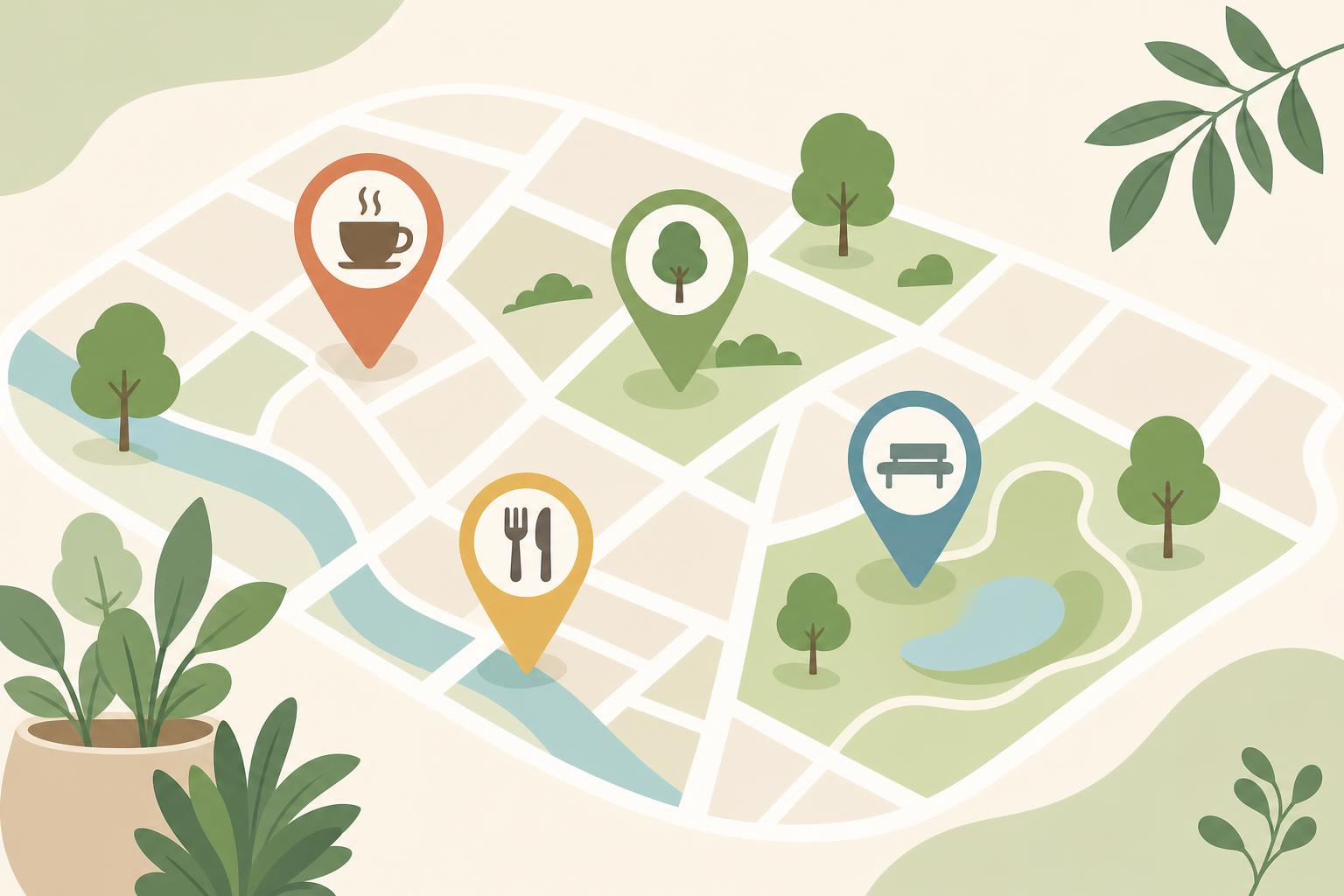
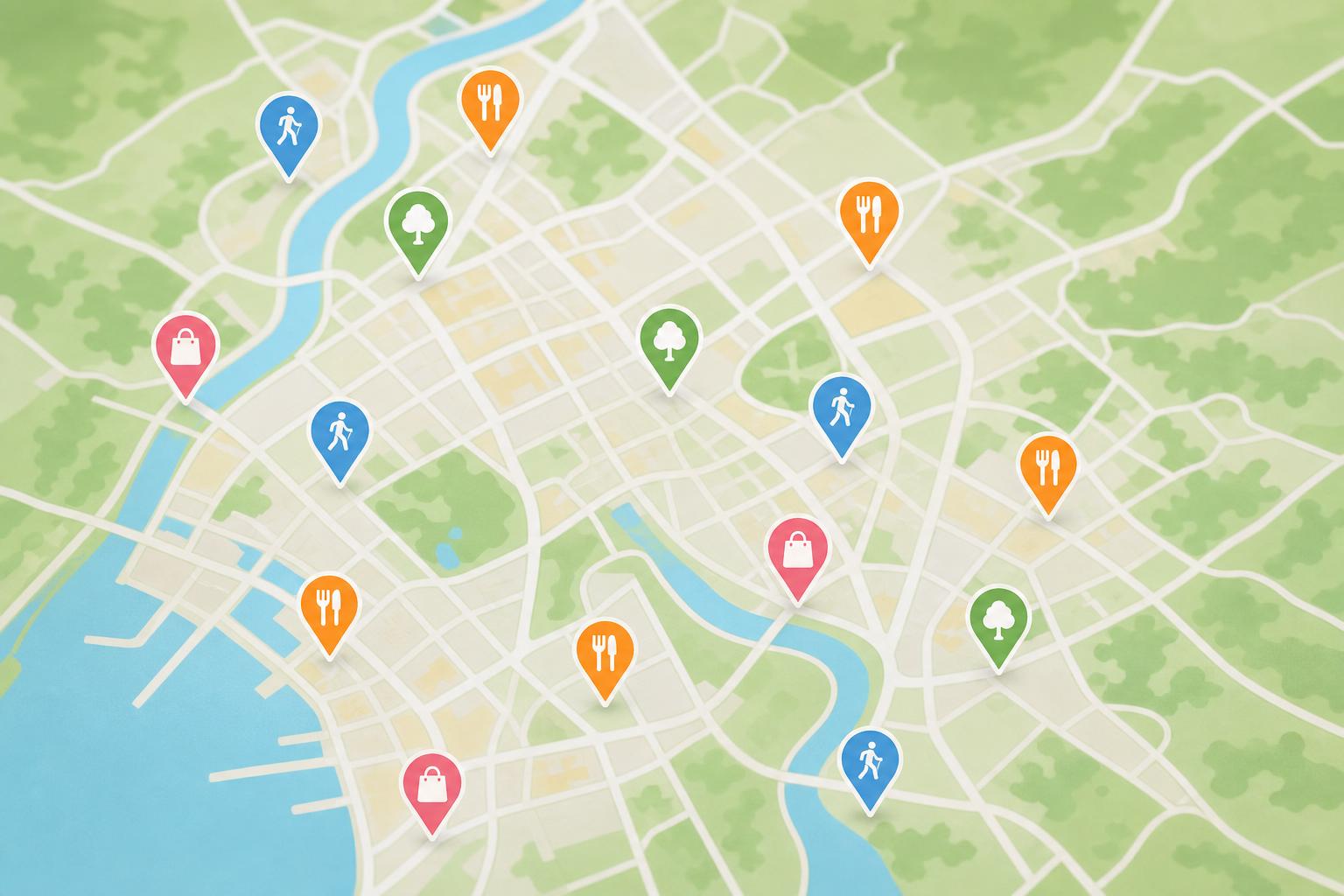
Embedded maps showing all your recommendations geographically help guests visualize proximity and plan efficient routes. Interactive pins allow guests to tap a restaurant icon and instantly see details, directions, and contact information without scrolling through separate lists. This spatial organization helps guests discover nearby options when they are already out exploring.
Direct reservation links and "click to call" phone numbers eliminate friction between interest and action. When guests can book a table or start navigation with a single tap, they are far more likely to follow through on your recommendations. Remove every unnecessary step between reading about a great restaurant and actually dining there.
Searchable and filterable recommendation lists
Search functionality becomes essential as your recommendation list grows. Guests should be able to quickly find all Mexican restaurants, all kid-friendly activities, or all options within walking distance. Filters for dietary restrictions, price range, and distance turn your comprehensive guide into a personalized tool matching each guest's specific needs.
Tags and categories enable powerful filtering without manual searching. When guests select "vegetarian" and "budget-friendly" filters, your guide should instantly display only relevant recommendations. This personalization makes large guides feel manageable rather than overwhelming, encouraging exploration instead of decision paralysis.
Mobile-first design and quick access
Design every aspect of your guide assuming guests will access it while walking down unfamiliar streets with spotty cell service. Fast loading times, minimal data usage, and offline access capabilities ensure your guide remains useful even when connectivity falters. Large, tappable buttons accommodate finger navigation better than tiny text links.
Quick access means guests can open your guide in two seconds or less from their home screen or a text message link. The easier you make access, the more frequently guests will reference your recommendations throughout their stay. Convenience directly correlates with usage and ultimate satisfaction with your thoughtful local expertise.
Conclusion
Organizing your local recommendations thoughtfully transforms a simple list into a powerful tool that enhances every guest stay. When you categorize by guest needs, format consistently, prioritize your favorites, and leverage digital tools, you create an experience that rivals professional concierge services. Guests notice this attention to detail, mention it enthusiastically in reviews, and return specifically because they trust your local expertise.
The difference between hosts who receive good reviews and those who earn exceptional ones often comes down to these organizational details. Taking time to structure your recommendations properly pays dividends in guest satisfaction, positive reviews, and increased bookings from travelers who value insider local knowledge. Your organized guide becomes a competitive advantage that sets your property apart in crowded markets.
Ready to create a beautifully organized digital guide that impresses every guest? Start building your professional guest guide today and watch how thoughtful organization transforms casual guests into enthusiastic advocates for your property.