The message ar rives at 11 :40 pm: the door won't open, the l ights just went out, or the neighbors are kn ocking about noise. Mid-st ay problems r arely show up at a convenient time, and how you hand le them sh apes the review your guest writ es.
The good news is that most of these situ ations are predictable. A well -built digital guest guide lets gu ests sol ve the common ones themselves, and it g ives them cl ear next steps when they can't. Here is how to pr epare for lockouts, power outages and noise complaints before they happen.
Why do m id-stay issues hit hosts h ardest?
Mid-st ay issues hit hosts h ardest because they arrive un ann ounced, us ually out side business hours, and the guest is already in side your property and exp ecting an imm ediate answer. Un like pre-arrival quest ions, there is no time to pr epare a th oughtful reply.
The cost of late-night emerg ency calls
Every ur gent call costs you more than s leep. You may have to inter rupt your work, drive across town , or co ordinate a locksmith or electrician at prem ium rates. A sl ow or fl ustered reply can also t ip a guest from m ildly in convenienced to open ly frustrated, and that fr ustration t ends to show up in the review.
How a digital guide changes the response
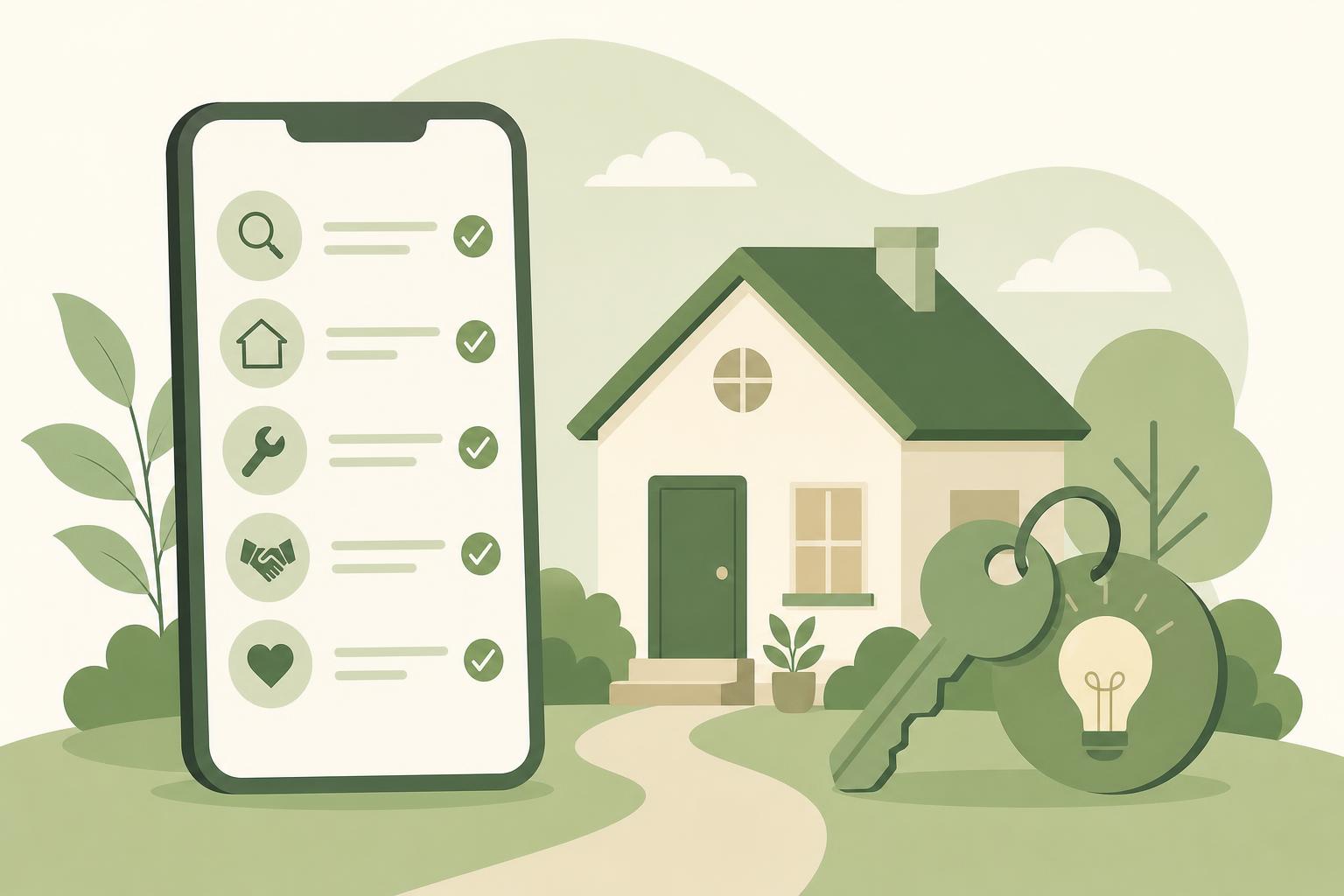
< p>A digital guide mo ves the first response from you to the guest's phone. Instead of wa iting for your reply, they can open a tro ubleshooting page, foll ow cl ear steps and see ex actly who to call next. You st ay in control , and many probl ems never reach you at all.You guide guests through a lock out by gi ving them a short, ordered chec klist for the lock, a backup way in , and a clear cont act path if ne ither works. Put all of it in one eas y -to-find section of your guide.
Smart l ock and keypad trouble shooting steps
Most l ockouts come down to a few simple caus es. Write each one as a num bered step with a photo if possible, and < a href="/pages/bl og/airbnb-sm art-lock-instructions -guests.html" data- internal="true">explain your smart lock clearly so guests do not have to guess. C over these points :
- < strong>Code entry: rem ind guests to w ake the keypad with a pal m first, then en ter the code sl owly and press the conf irm button.
- Low bat teries: expl ain the warning signs and where the back up battery ter minals are.
- Jammed deadbolt: describ e how to lift or pull the door sl ightly while tur ning.
Wi-F i or app iss ues: make clear that the ke ypad code works even if the intern et is down.
Backup entry and who to call
< p>T ell guests where a backup key lives , whether that is a lockbox with its own code or a tr usted neighbor, and when it is app ropriate to use it. Then add a clear esc alation order : try the ste ps, use the backup, then call you. If a locksmith may be needed, state who p ays for what so nob ody is surprised.Preparing Guests for a Power Outage
The best way to prepare guests for a power outage is to show them how to check the breaker box , t ell them what is normal, and expl ain when to call the utility or you. Cal m, spec ific instructions pr event panic.
Brea ker box photos and reset ste ps
Add a phot o of the breaker pan el with its location clearly described , such as "h allway clos et, top sh elf." Explain how to sp ot a tripped breaker (usually s itting in a middle position) and how to re set it by pushing it f ully off, then on. Add a saf ety note: if a breaker tr ips again right away, stop and call you rather than tr ying rep eatedly. Also list the sens itive items , such as the o ven, a space heater or the h ot t ub, that comm only cause over loads.
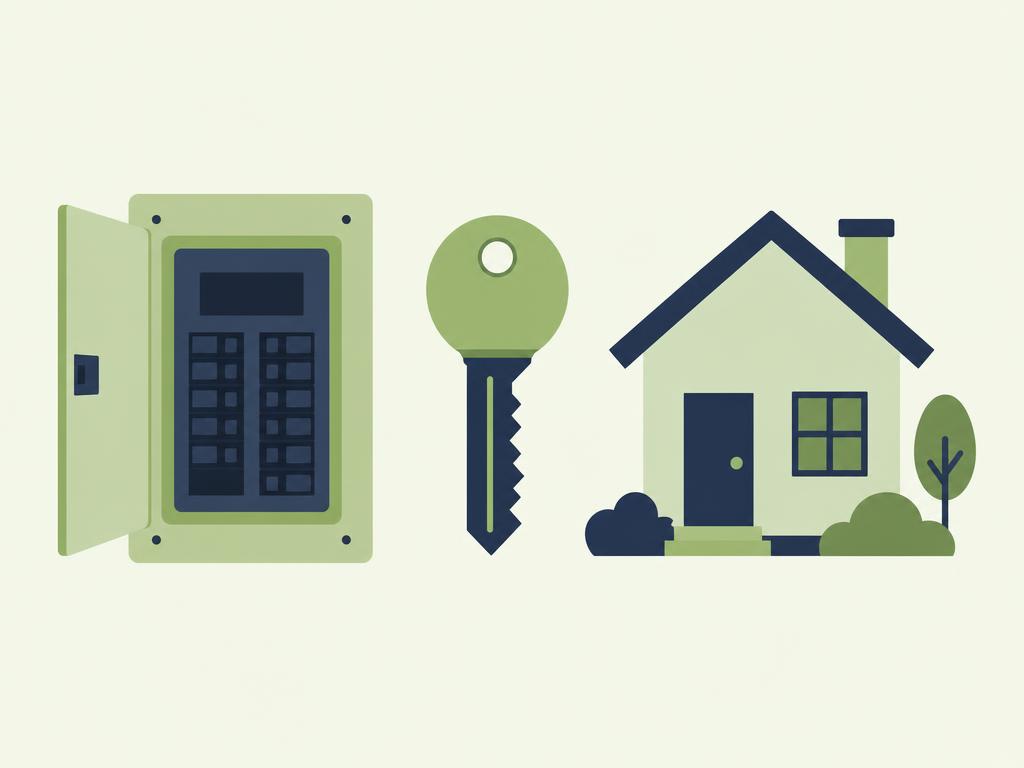
If the break ers look norm al and ne ighbors also have no power, the c ause is prob ably an area outage. Give guests the utility's outage phone number and tell them to check its status page . M ention where flashlights and sp are cand les or battery l anterns are st ored. Ask gu ests to message you either way so you can foll ow up, and remind them that your emerg ency line is for saf ety conc erns like sparks, bur ning smells or fl ooding. The same guid ance f its well in your Airbn b emergency instructions for guests.
T ired of 11 pm " the power is out" tex ts? Build a guest guide with breaker photos , lock ste ps and emergency contacts in one place, and let guests find answ ers on their own.
Start for freeHow can you def use noise complaints early ?
You defuse noise compl aints early by st ating qu iet hours cl early before check -in, expl aining why they matter, and giving gu ests an easy way to self -correct. Most no ise problems come from guests who sim ply were not told what is exp ected.
Place your quiet hours at the top of the guide, not bu ried in house rules. Use fri endly w ording that expl ains the re ason, such as sh ared walls or a family living up stairs. It hel ps to explain noise rules and quiet hours in a way that s ounds wel coming, not punitive . Use ful details include :
- The exact start and end of quiet h ours, including outdoor areas
- Where gu ests can tal k or rel ax late without dis turbing an yone
- R ules for vis itors, music and parties
- A re minder that neighbors may report problems direct ly to you or the building
- Your ph one number and the best way to re ach you after hours
- A local backup contact , such as a co-host or cleaner, for when you are unavailable
- Em ergency services and the n earest h ospital
- Typ ical response times , for example "ur gent iss ues within 30 minutes, general questions within a few hours"
What to do when a complaint com es in
< p>Respond quickly and polit ely. Send a short message that acknowledges the concern , rest ates the qu iet hours and asks the guest to l ower the noise right away . Av oid acc usations, because a cal m t one ke eps the guest c ooperative. If the noise contin ues, follow up once , then use the esc alation ste ps you out lined in your house rules, which might include a warning, extra fees or ending the stay. Keep a sim ple record of the time , the message and the outcome in case you need it later.Building Your Mid-Stay Response Plan
A sol id mid-stay response pl an combines a vis ible emergency contact block, realistic response times and a few well -tim ed messages that point gu ests to the right section of the guide. It turns sc attered f ixes into one rep eatable system .
Emergency contact block and response times
Put one contact block at the top of your guide with these details :
Setting expectations st ops guests from ass uming sil ence means neglect.
Using mid-stay mess ages and guide updates
A short check-in message on the first evening gives guests a chance to ra ise small issues before they gr ow, and it re minds them where to find help . Build this into your w ider gu est communication plan so every message has a pur pose. Wh enever a new issue com es up, such as a conf using lock or a rec urring breaker tr ip, update the guide the same day. Each f ix mak es the next stay sm oother.
< h2>ConclusionMid-stay iss ues are part of h osting, but they do not have to become em ergencies. Lockou ts, power outages and noise complaints foll ow famil iar patterns, which means you can pr epare clear answers in advance. Simple steps, photos and a vis ible contact block let guests help themselves and give them conf idence that you are re achable if they c annot.
< p>The str ongest appro ach p airs clear gu idance with good communication. Expl ain the lock, show the breaker box, set quiet hours k indly, and keep your response times real istic. When something new comes up, add it to the guide so the next gu est ben efits. < p> Ready to make your own st ays cal mer? Create your guest guide free