The frantic message arrives at 2:37 AM: "We're locked out and can't get your smart lock to work." You scramble for your phone, half-asleep, trying to walk exhausted guests through the same instructions you thought were crystal clear. This scenario plays out in thousands of Airbnb properties every night, not because the technology fails, but because the instructions do. Smart locks promise seamless access, yet poor communication turns them into midnight emergencies that damage reviews, stress hosts, and leave guests standing outside after long travel days.
The difference between smooth check-ins and lockout crises often comes down to how you present your access instructions. Guests don't fail to follow directions because they're careless. They fail because they're tired, distracted, and cognitively overloaded when they arrive. Understanding this reality is the first step toward creating a self check-in process that actually works when guests need it most.
This guide shows you exactly how to write smart lock instructions that prevent access problems before they happen, where to place those instructions so guests actually see them, and what backup plans keep small issues from becoming review-damaging disasters.
Why Smart Lock Instructions Fail
Smart lock instructions fail primarily because hosts underestimate the cognitive state of arriving guests and overestimate how much mental energy people have for complex directions. When someone reaches your property after hours of travel, often in an unfamiliar area with spotty phone signal, their ability to process multi-step instructions drops dramatically. What seems simple when you're writing it at your desk becomes confusing in the dark with luggage in hand.
The cognitive load problem
Cognitive load refers to the mental effort required to complete a task. Arriving guests are already managing multiple demands: navigating unfamiliar streets, coordinating with travel companions, worrying about parking, checking their booking details, and dealing with physical fatigue. Adding complex lock instructions on top of this existing mental burden often exceeds their processing capacity. This explains why guests who seem perfectly capable struggle with instructions that appear straightforward.
The problem intensifies at night. Research on decision-making shows that mental fatigue significantly impairs our ability to follow directions, especially when they involve technology. A guest arriving at 11 PM after a delayed flight doesn't have the same cognitive resources as someone checking in at 2 PM on a sunny afternoon. Your instructions need to account for worst-case scenarios, not ideal conditions.
Common instruction mistakes hosts make
The most damaging mistake is burying smart lock codes deep within lengthy welcome messages. Guests receive your message hours before arrival, scroll through paragraphs about WiFi passwords and local restaurants, then can't find the access code when they're actually standing at your door. They're not going to re-read a 1,200-word message in the dark while holding suitcases.
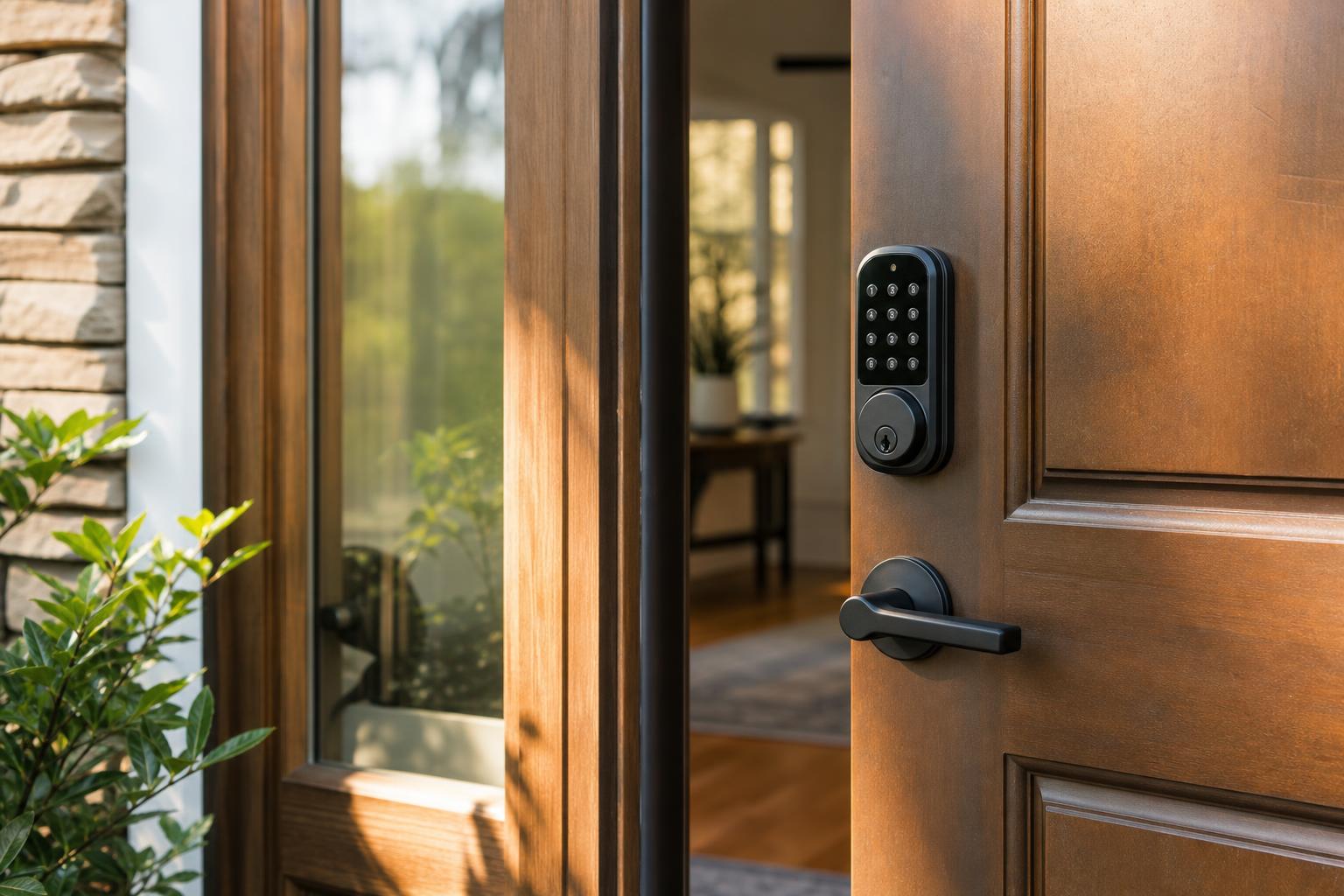
Another critical error is assuming familiarity with your specific lock model. Hosts write "just enter the code on the keypad" without realizing that different smart locks have wildly different interfaces. Some require pressing a checkmark button, others need a physical turn after code entry, and some have app-based unlocking that confuses guests who expect a traditional keypad. Without model-specific details, even simple instructions become guesswork.
Many hosts also fail to explain what success looks like. Does the lock beep? Flash a light? Automatically unlock, or does the guest need to turn the handle? Without these confirmatory details, guests second-guess themselves even when they've done everything correctly, leading to unnecessary support calls.
What happens during a 2 AM lockout
Late-night lockouts follow a predictable pattern. First comes confusion as the guest realizes the code isn't working as expected. They try variations, press different buttons, and check their booking confirmation. Stress levels rise. After five to ten minutes, panic sets in. They start messaging you, calling local numbers, and sometimes even contacting Airbnb support, all while standing outside in the cold or heat.
For hosts, these situations are devastating. You wake up to urgent messages, face a guest who's already frustrated before even entering your property, and start the stay on the worst possible footing. Even if you resolve the issue quickly, that first impression colors everything that follows. Guests remember standing locked out far more vividly than they remember comfortable beds or nice decor. Reviews reflect this emotional experience more than the objective quality of your property.
Want to give guests instant access to lock instructions along with everything else they need? A centralized digital guidebook means guests never have to dig through old messages at 2 AM.
Start for freeThe Three-Location Rule
The three-location rule ensures guests can access your lock instructions at three critical moments: before arrival, upon arrival at the door, and as a reference inside your property. This redundancy accounts for the reality that guests won't remember details from a message they read hours ago, may have poor phone reception at your door, or might need to refresh their memory if they come and go multiple times during their stay.
Pre-arrival message timing and format
Send your access instructions as a separate, dedicated message 24 hours before check-in, not bundled with your general welcome information. This timing gives guests enough notice without being so early they forget the details. Keep this check-in message short and scannable, with the access code prominently displayed in the first three lines.
Format matters enormously. Use all caps or bold text for the actual code. Include your property address at the top so guests can confirm they're looking at the right message. Add a simple numbered list for the unlocking process, with each step as a single, clear action. Avoid paragraphs that force guests to extract information while standing at your door.
Door signage that actually helps
Physical signage at your door serves as a crucial backup when phones die, reception fails, or guests simply can't locate your message. A weatherproof sign near the smart lock should include the access code and basic operation instructions. Keep this sign elegant but functional, using a font size large enough to read in poor lighting conditions.
Your sign should clarify which door the smart lock is on if you have multiple entrances. Include a small arrow or indicator showing which device is the smart lock if your door has multiple hardware components. This prevents guests from trying to unlock a decorative handle while ignoring the actual smart lock mounted above it.
Digital guidebook as single source of truth
A digital guest guide solves the searchability problem that plagues text messages. When guests need to reference your access instructions for the third time because they've been out exploring, they can instantly open your guidebook rather than scrolling through days of message history. This centralized location becomes their reference for the entire stay.
Your digital guidebook should feature check-in instructions as the very first section, ideally with photos showing exactly where the lock is located and what guests should see when they arrive. Include the code prominently at the top of this section so guests don't need to scroll. This format works especially well for guests who share properties with family or friends, as everyone can access the same information simultaneously without forwarding messages.
Writing Crystal-Clear Lock Instructions
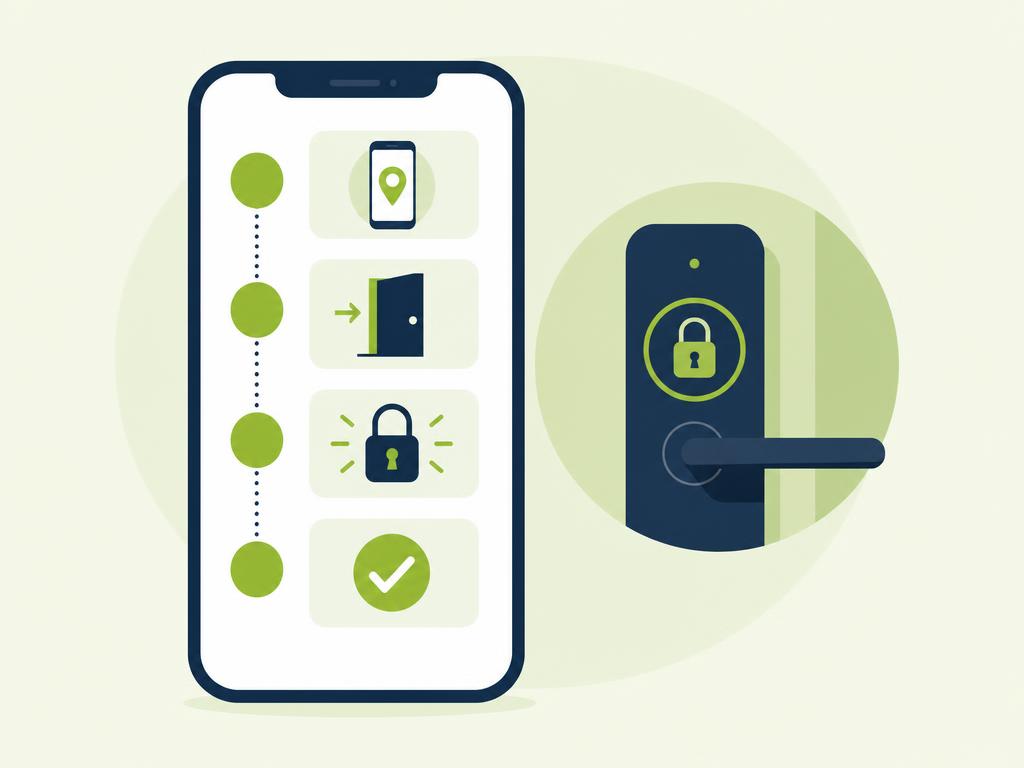
Crystal-clear lock instructions follow a step-by-step format that mirrors exactly what guests should do with their hands, presented in the precise order of physical actions required. This approach eliminates ambiguity and reduces the mental translation work guests must do when converting your words into actions.
Step-by-step format that works
Start with the absolute first physical action, even if it seems obvious. "Wake up the keypad by pressing any button" matters because some smart locks have screens that go dark to save battery. Number every step sequentially, and keep each step to a single action. "Enter code 5847, then press the checkmark button" works better than "Enter code 5847 and unlock the door" because the latter combines two actions and omits the crucial checkmark detail.
Include what guests should observe after each action. "The keypad will flash green" or "You'll hear two beeps" confirms they're on the right track. End with the final action required: "Turn the handle clockwise to open" rather than assuming guests know they still need to physically turn something after entering the code.
Visual aids and diagram essentials
Photos eliminate confusion that text alone cannot resolve. Take a clear, well-lit photo of your actual smart lock with arrows or circles highlighting the relevant buttons. Show the lock in context so guests can confirm they're looking at the right device. If your lock has multiple components (keypad plus deadbolt, for example), label each in your photo.
Consider adding a short video for particularly complex systems. A 20-second clip showing your hand entering the code and opening the door provides more clarity than three paragraphs of description. Host this video in your digital guidebook or upload it to a platform you can easily link from your pre-arrival message. Keep videos under 30 seconds to respect guests' data plans and attention spans.
Model-specific details to include
Always mention your smart lock's brand and model number. "Yale Assure Lock" or "August Smart Lock Pro" helps guests who want to look up additional information or troubleshooting guides. Specify whether your system is keypad-only, app-enabled, or both, since many smart locks offer multiple entry methods and guests may default to the wrong one.
Note any quirks your specific model has. Some locks require holding down the last digit for two seconds. Others need a pause between entering the code and pressing the unlock button. These model-specific details are the difference between guests accessing your property smoothly and standing confused at your door wondering why nothing's happening.
Backup Plans and Troubleshooting
Backup plans prevent minor smart lock issues from escalating into major access crises by giving guests clear alternatives when their first attempt doesn't work. Every host needs documented troubleshooting steps that guests can follow independently before panic sets in and support calls start flooding your phone.
What to do when the code does not work
Create a short troubleshooting checklist in your check-in instructions template that addresses the most common problems. Start with "Make sure you're using the current code" because code mix-ups with previous reservations happen frequently. Include "Press the keypad firmly" since many smart locks have pressure-sensitive buttons that don't register light touches.
Tell guests to wait 30 seconds if they've entered an incorrect code multiple times, as many smart locks implement temporary lockouts after failed attempts. This simple instruction prevents guests from repeatedly trying the same approach while increasingly frustrated, only to discover the lock would have worked fine if they'd just paused briefly.
Battery warning signs guests should know
Educate guests about low battery indicators even though battery maintenance is your responsibility. When a keypad flashes red, makes unusual beeping patterns, or displays a battery icon, guests should know this means "the lock still works, but contact the host" rather than assuming it's completely broken. This awareness prevents unnecessary panic and gives you early warning to replace batteries between stays.
Most quality smart locks provide weeks of warning before complete failure, but guests won't recognize these signals unless you explain them. Include battery indicator information in your guidebook so guests can report issues that help you prevent future lockouts rather than calling you in crisis mode when the lock finally dies.
Emergency access alternatives
Every smart lock strategy needs a backup access method. A lockbox with a physical key hidden nearby provides failsafe access when technology completely fails. Place this lockbox in a discrete location and include its location and combination in your emergency instructions. Some hosts keep a key with a trusted neighbor who can help during genuine emergencies.
Document your emergency protocol clearly: "If the smart lock is completely unresponsive after trying these steps, there's a lockbox on the left side of the porch behind the planter. The combination is 7829." Having this information readily available in your guidebook means you can reference it quickly during late-night support calls without fumbling through your own notes while half-asleep.
Conclusion
Smart locks are powerful tools for Airbnb hosts, but they only deliver on their promise of seamless access when paired with truly clear instructions. The difference between smooth check-ins and 2 AM lockout disasters comes down to understanding how arriving guests actually think and behave. When you account for fatigue, cognitive overload, and the stress of navigating unfamiliar places, you can design instructions that work in real-world conditions rather than ideal scenarios.
The three-location approach ensures your instructions are available exactly when and where guests need them, whether that's in a pre-arrival message, on physical signage at your door, or in a searchable digital guidebook. Combined with step-by-step clarity, visual aids, and documented troubleshooting steps, this strategy prevents most access problems before they happen and provides guests with tools to solve minor issues independently.
Your smart lock should reduce stress for everyone involved, not create new communication emergencies. By implementing these instruction best practices, you protect your sleep, your reviews, and your guests' first impressions of your property. Ready to give your guests a centralized place for check-in instructions they can actually find when they need them? Create your digital guest guide today and eliminate those dreaded midnight lockout messages for good.