A well-crafted check-in message sets the tone for your guest's entire stay, preventing confusion, reducing questions, and ensuring arrivals go smoothly. Whether you manage a city apartment, beach house, or mountain cabin, having a reliable template saves time while delivering clear, consistent instructions your guests can reference from the moment they book through arrival day.
The difference between a five-star experience and a frustrated guest often comes down to communication quality during those critical first hours. Templates ensure you never forget essential details like WiFi passwords, parking instructions, or emergency contacts, while allowing you to customize for each property type and guest situation. When combined with a digital guidebook for Airbnb, these messages become even more effective, giving guests instant access to everything they need.
Why Check-In Messages Matter for Hosts
Check-in messages directly impact your review scores, guest satisfaction, and operational efficiency in ways that compound over time. Poor communication at arrival creates a ripple effect that colors the entire guest experience, leading to negative reviews that hurt your search ranking and future bookings.
The Cost of Poor Check-In Communication
When guests arrive confused or unable to access your property, the consequences extend far beyond an awkward phone call. Late-night lockouts generate emergency maintenance calls, neighbor complaints arise from guests circling the block repeatedly, and frustrated travelers leave one-star reviews focusing exclusively on arrival difficulties. These reviews carry disproportionate weight because potential guests read them first, and Airbnb's algorithm penalizes listings with low ratings in the check-in category specifically.
Missing details create cascading problems. A guest who cannot find parking spends their first hour stressed and annoyed. Someone who cannot connect to WiFi immediately feels disconnected and may blame you for other minor issues throughout their stay. The emotional tone set during those first fifteen minutes persists, making it nearly impossible to recover even if everything else goes perfectly.
What Guests Expect Before Arrival
Modern travelers expect a complete arrival package delivered to their phone at least 24 hours before check-in, including exact addresses with GPS coordinates, step-by-step access instructions with photos, and all essential codes or keys explained clearly. They want to know where to park, how to connect to WiFi, and who to contact if something goes wrong, all without having to ask follow-up questions.
Self-check-in has shifted from luxury feature to standard expectation, with guests specifically filtering for listings that offer keyless entry or lockbox access. They want the independence to arrive on their schedule without coordinating face-to-face meetings, especially for late flights or early morning arrivals. Your check-in message needs to deliver this independence confidently, anticipating questions before they arise.
How Templates Save Time and Reduce Errors
Creating a proven template for each property type eliminates the mental load of composing check-in messages from scratch while ensuring consistency across all bookings. You can customize specific details like dates and names while keeping the core structure intact, reducing message composition time from ten minutes to under two. Templates also prevent the common mistake of forgetting to update codes after changing door locks or overlooking seasonal details like snow warnings for winter guests at your cabin.
When you use well-structured templates alongside self check-in instructions, you create a reliable system that works whether you are managing one property or twenty. The consistency builds your reputation for professionalism, and guests notice when communication feels polished and thorough.
Essential Elements Every Template Needs
Every effective check-in message must include five core components regardless of property type: arrival timing details, precise location information, complete access instructions, immediate necessity details, and emergency contact protocols.
Arrival Window and Flexibility
State your official check-in time clearly while indicating any flexibility you can offer for early arrivals or late check-ins. Be specific about the latest acceptable arrival time, especially for properties requiring daylight navigation or those in residential areas with noise restrictions. If your property allows self-check-in at any hour, explicitly state this to reduce anxiety for guests with unpredictable travel schedules.
Include instructions for requesting early check-in and your typical response timeframe, setting realistic expectations. Many hosts offer early access when the property is ready, but guests need to know they must confirm availability rather than assuming it is automatic.
Exact Address and GPS Coordinates
Provide the complete street address exactly as it appears on GPS systems, including apartment numbers, building names, and any additional identifiers that help navigation apps locate your property correctly. Include GPS coordinates as a backup, particularly for rural properties, beach houses with confusing street layouts, or mountain cabins where road names may not appear in all mapping systems.
Add specific landmarks or visual cues for the final approach. Describing your property as "the blue house with white trim, third driveway on the left after the red barn" prevents guests from stopping at similar neighboring properties and bothering the wrong residents.
Step-by-Step Access Instructions
Break down entry into numbered steps that guide guests from parking through unlocking the front door and disarming any security systems. Assume your guest has never seen your property before and needs every detail spelled out without skipping obvious steps that seem intuitive to you. For building entries, include buzzer codes, elevator access, and which floors require key fob activation.
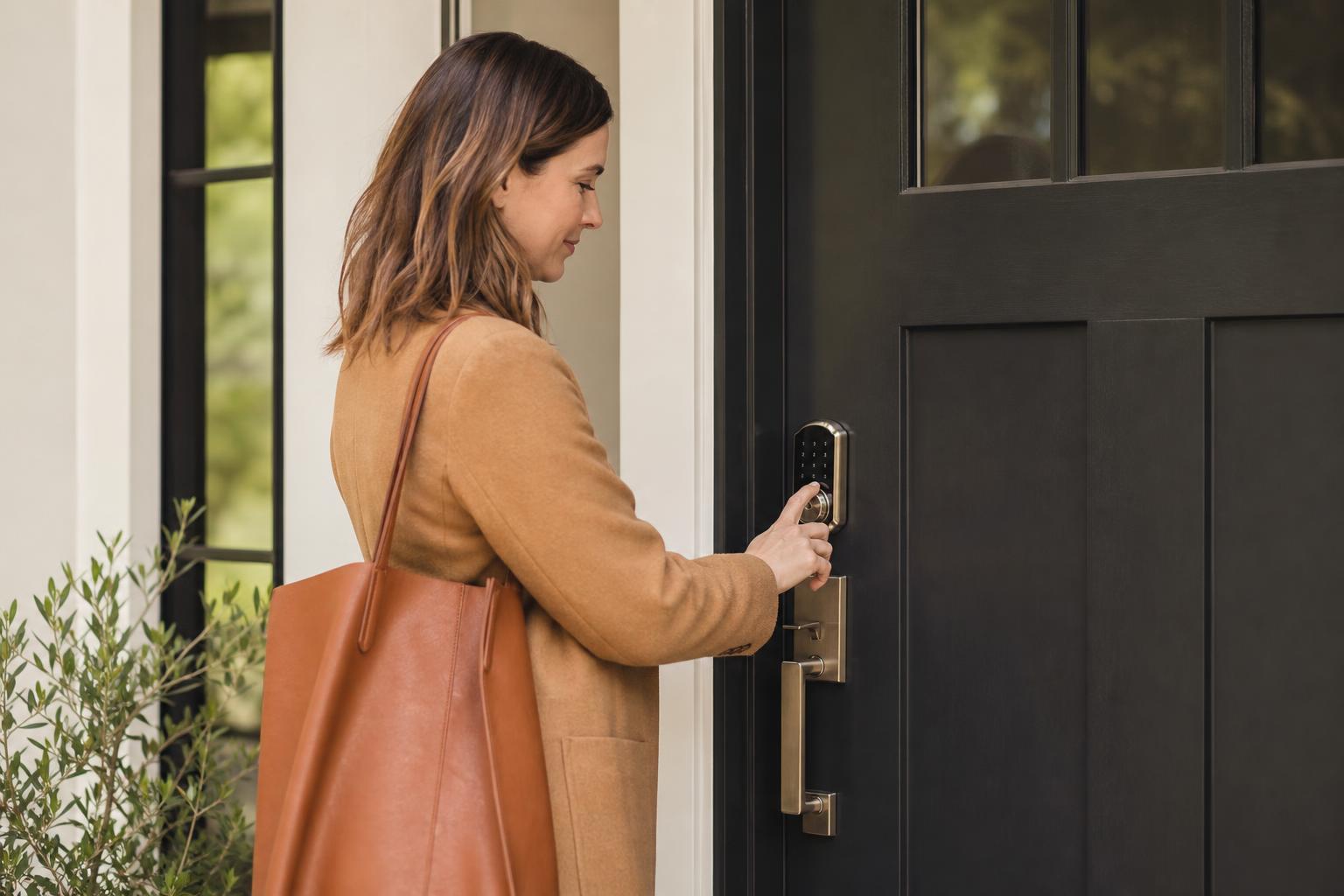
Describe what the entry door looks like, where lockboxes are mounted (with photos if possible), and the exact sequence for using smart locks or keypads. Mention if doors stick, require firm pushing, or have tricks like lifting while turning the key.
WiFi, Parking, and Immediate Essentials
List WiFi network name and password prominently, as this is typically the first thing guests need upon arrival. Include parking specifics: where to park, any permits required, overnight restrictions, or alternatives if your spot is occupied. For urban properties, clarify street cleaning schedules, meter payment methods, and nearby public garage options with rates.
Point guests to essentials they will need immediately: thermostat location and instructions, coffee maker, extra towels, and where to find the welcome book template or guidebook with complete house details. Mention if you have left welcome amenities and where to find them.
Emergency Contact Information
Provide your phone number for urgent issues along with your typical response time for non-emergency questions sent through the Airbnb app. Include backup contacts like a co-host or property manager who can assist if you are unavailable. List local emergency numbers (different from 911 in many countries), utility company contacts for outages, and locksmith numbers for lost keys.
Tired of writing the same check-in details over and over? Create a beautiful digital guidebook that automatically shares all your check-in instructions, house rules, and local recommendations with every guest.
Start for freeCity Apartment Check-In Template
Urban apartment check-ins require specific attention to building access protocols, parking complexities, and neighbor considerations that do not apply to standalone properties.
Building Entry and Elevator Codes
Begin with the building entrance procedure: whether guests need a code, key fob, or intercom buzzer to enter. Specify which entrance to use if your building has multiple doors, as front lobbies may lock after hours while side entrances stay accessible. Describe the elevator situation, including whether guests need to scan a fob for certain floors, and provide any required codes or keys for elevator access.
Include details about secure mail rooms, storage areas, or amenity spaces your guests can access, along with their locations and access requirements. Mention if the building has a doorman who can assist with questions or accept deliveries during specific hours.
Parking Garages and Street Restrictions
City parking requires exceptional clarity because mistakes lead to towing, tickets, and angry guests. If you provide garage access, explain exactly where the garage entrance is located (often on a different street than the building entrance), how to obtain the parking pass or clicker, and which specific spot number is theirs. Include garage hours if applicable and what to do if the gate malfunctions.
For street parking, detail meter hours, payment methods (app names and download links), overnight restrictions, street cleaning schedules with exact days and times, and residential permit requirements. Suggest nearby public garages as backups with current rate information.
Noise Policies and Neighbor Considerations
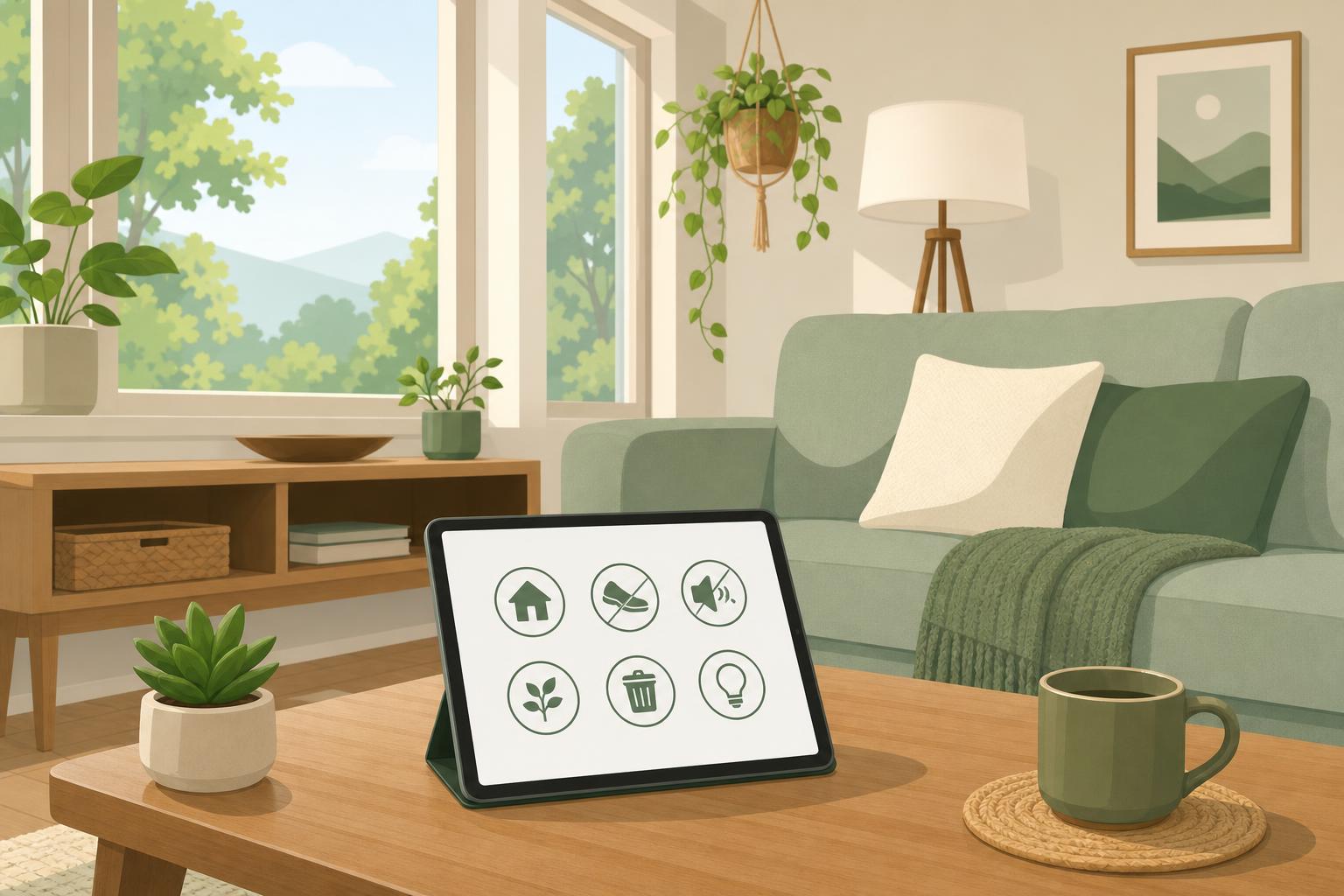
Urban apartments require specific house rules about noise, especially quiet hours enforced by buildings or local ordinances. Mention if your building has specific rules about moving furniture, playing music, or gathering on balconies. Explain that sound travels easily through walls or floors, and request that guests remain considerate during evening and early morning hours.
Remind guests that they are staying in a residential building where families and professionals live, not a hotel, so discretion and courtesy matter significantly. Include any building-specific policies about guests, parties, or common area usage.
Beach House Check-In Template
Beach properties need templates addressing seasonal weather variations, beach access specifics, and outdoor equipment that does not exist in urban or mountain settings.
Beach Access and Gear Storage
Explain how to reach the beach from your property: walking distance, pathway location, whether guests cross private or public property, and if any access cards or beach tags are required. Describe where you store beach equipment like chairs, umbrellas, coolers, and beach toys, and clarify what guests may use versus what belongs to neighbors or must be rented.
Include guidance about rinsing sand off before entering the house, where outdoor showers are located, and where to leave wet towels and sandy gear. Mention any storage sheds or garages where guests can keep bikes, surfboards, or fishing equipment.
Weather and Tide Information
Point guests to reliable local weather sources and tide charts, especially if your area experiences significant tidal changes that affect beach activities or access. Warn about seasonal conditions like jellyfish season, strong rip currents, or afternoon thunderstorms common in your region. Explain any storm protocols, including how to secure outdoor furniture and when to move vehicles to higher ground if flooding is possible.
Provide context about typical weather patterns for their arrival dates so guests pack appropriately and plan activities realistically.
Local Amenities and Safety Notes
Beach communities often lack 24-hour services, so tell guests where to find the nearest grocery stores, pharmacies, and gas stations with their operating hours. Mention seasonal closures if visiting during shoulder seasons when many restaurants close mid-week. Include beach safety information: lifeguard hours, flag warning systems, and any local hazards like rocky areas or restricted swimming zones.
Provide information about nearby medical facilities and urgent care centers, as beach injuries from shells, stingrays, or sun exposure are common and guests often do not know where to seek treatment.
Mountain Cabin Check-In Template
Mountain properties require the most detailed templates because of access challenges, utility complexities, and safety concerns that do not apply to other property types.
Road Conditions and Seasonal Warnings
Give specific directions that account for GPS limitations in mountain areas where cell service drops and mapping apps suggest dangerous shortcuts. Describe road conditions honestly: paved versus gravel, steep grades, tight turns, and whether standard vehicles can make the drive or if 4WD/AWD is required. Include seasonal warnings about ice, snow, or mud that affect road accessibility, and provide contact information for local road condition hotlines.
Warn guests if the final approach requires navigating unpaved forest service roads and whether these roads close seasonally. Mention if your property requires chains during winter months and where guests can purchase or rent them locally.
Propane, Firewood, and Heating Instructions
Mountain cabins often rely on propane, wood stoves, or well water systems unfamiliar to most guests. Explain how to check propane levels, where backup tanks are stored, and who to call if propane runs out. Provide detailed instructions for operating wood stoves or fireplaces safely, including where firewood is stored, how to build fires properly, and ash disposal procedures.
Describe your heating system operation, especially if it involves baseboard heaters, radiant floor heating, or other systems guests may not recognize. Include thermostat locations and recommended temperature settings, along with what to do if pipes freeze or the power goes out during winter stays.
Wildlife Precautions and Emergency Protocols
Mountain areas require specific wildlife guidance: securing trash in bear-proof containers, not leaving food on decks, and what to do if guests encounter bears, mountain lions, or other animals near the property. Explain any outdoor lighting protocols that balance guest safety with minimizing wildlife attraction. Include information about insects like ticks or spiders common in mountain regions and basic precautions.
Emergency protocols matter more in remote locations where help takes longer to arrive. Provide detailed evacuation routes for wildfires, locations of fire extinguishers and first aid supplies, and backup communication methods if cell service fails. Include information about the nearest hospital with drive time estimates.
How Can I Automate and Improve My Check-In Process?
Automation tools and digital systems dramatically reduce the manual work of sending check-in messages while improving accuracy and guest satisfaction through timely, consistent communication.
Automating Check-In Messages with Digital Guidebooks
A digital guest guide centralizes all your check-in instructions, house details, and local recommendations in one accessible location that guests can reference throughout their stay. Rather than sending lengthy messages that get buried in email threads, you send one link that contains everything, keeping information organized and searchable. Digital guidebooks update instantly across all future bookings when you change WiFi passwords or access codes, eliminating the template update problem that plagues static messages.
These tools integrate with your booking calendar to automatically send check-in information at optimal times: immediately after booking confirmation, again 48 hours before arrival, and a final reminder on check-in day. This timing ensures guests receive information when they need it without you manually tracking send schedules.
When to Send Follow-Up Messages
Send your initial check-in message within one hour of booking confirmation, containing basic details and assuring guests that complete arrival instructions will follow closer to their stay. Send comprehensive check-in details 24-48 hours before arrival when guests are actively planning their trip and need specific information. Follow up on check-in day morning with a brief message confirming everything is ready and reminding them of key details like check-in time and your contact number.
After guests arrive, send a brief message within an hour asking if they found everything easily and if they have questions. This proactive check-in catches problems early while demonstrating attentiveness. Pair these check-in messages with well-prepared check-out instructions template sent the night before departure.
Tracking Guest Confirmation and Questions
Monitor whether guests open and read your check-in messages using read receipts or tracking features in messaging apps. If a guest has not opened your message 12 hours before arrival, send a follow-up through