Multi-unit check -in go es wrong because guests have to p ass several access points, and most host instructions only describ e the last one. If you r ent a un it in a condo, ap artment block , or g ated compl ex, you can f ix this with self check- in instructions examples that foll ow the guest's actual path , one step at a time.
This guide covers g ates, door codes, elev ators, and hallways , with w ording you can ad apt for your own building .
Why does multi-unit check-in go wrong?
Multi -unit check-in goes wrong because gu ests face a chain of separ ate entry points, and a single missed or un clear step le aves them stu ck outside with lu ggage. H osts know the building so well that they sk ip details that feel obvious.
Lay ered access points guests cannot see
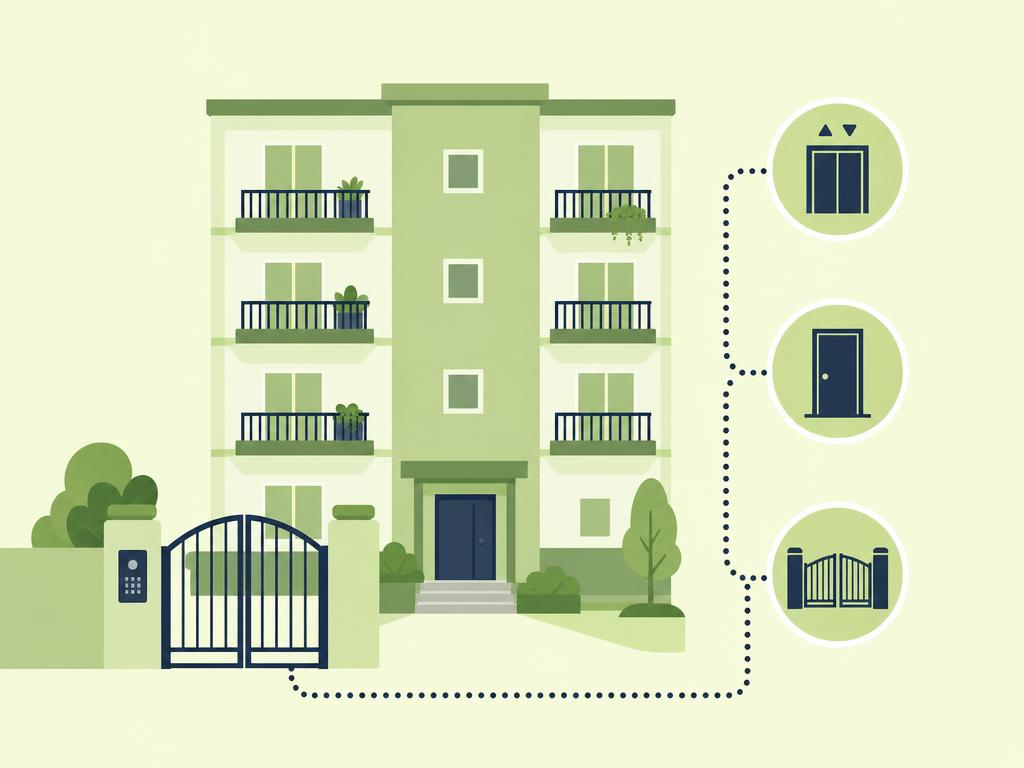
A typical arrival might involve a street gate, a lobby door, an elevator, a hallway door, and finally the unit door. Each one may use a different code, f ob, or key. Gu ests only disc over these lay ers as they h it them, often at night and often t ired.
Write down every bar rier between the street and the unit door . Wal k the route yourself, ideally with a su itcase, and note every point where you need ed a code, a button press , or a p ull on a heavy door.
Where un clear steps lead to b ad reviews
Guests rarely complain about the building. They complain about fe eling l ost or locked out. Re views m ent ioning "conf using check -in" usually tr ace back to one missing det ail, such as which ke ypad to use or which button cal ls the elevator.
The fix is a clear s equence. If you also send a short message before arrival, a sol id check-in message template hel ps you de liver the details at the right mo ment.
Expl ain gates and building entry by naming each access device , sa ying exactly where it is, and tel ling the guest what to do if it does not work. Ke ep the wording phys ical and specific r ather than general .
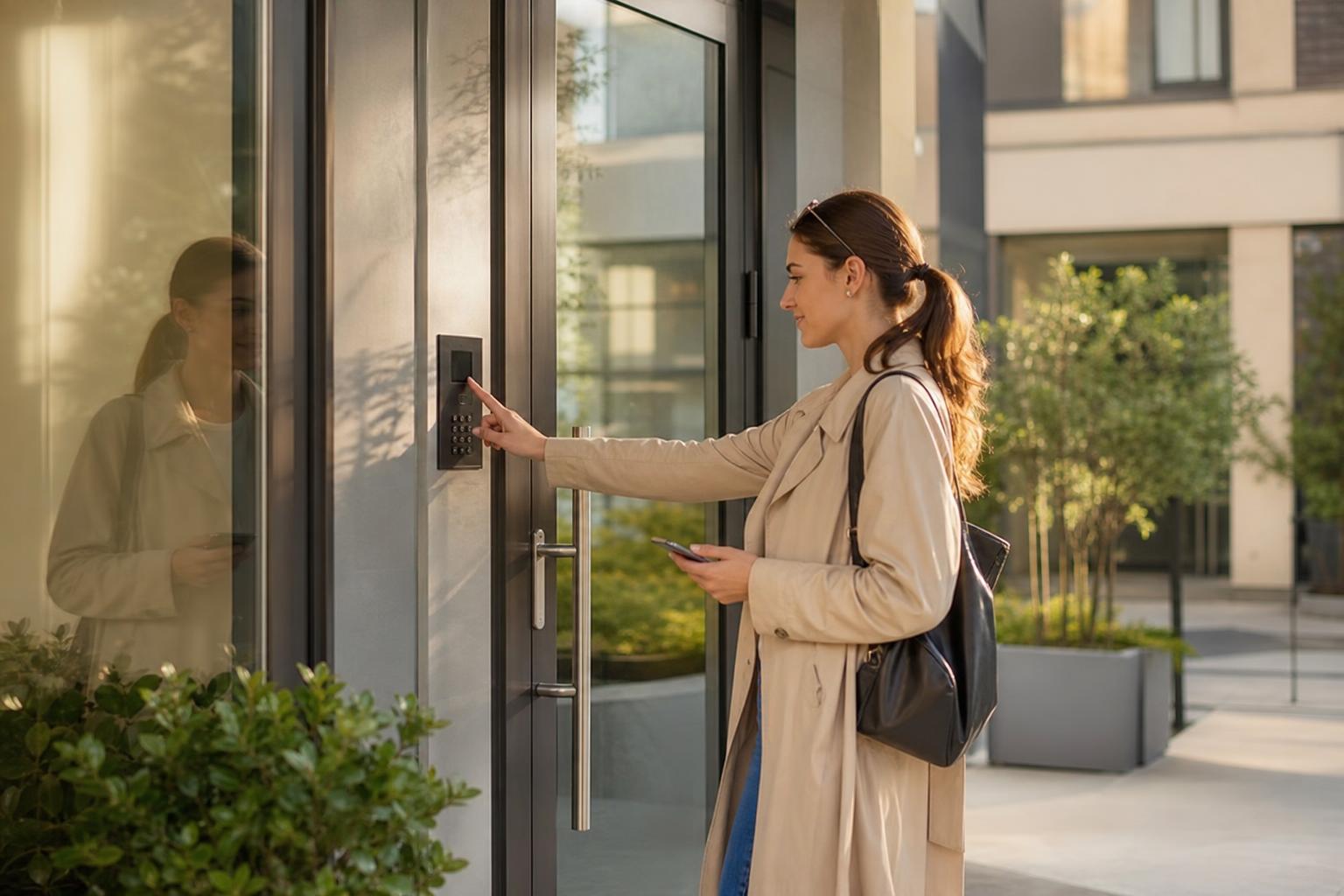
Gate codes, call boxes, and fobs
For each ent ry device , c over these points:
- What it looks like: a grey keyp ad on the left p illar, a sil ver int ercom pan el, or a black f ob reader be side the door.
- What to enter or press: the ex act code, follow ed by the p ound key or a green button if need ed.
- Where it is : m ention the side of the dri veway or the position relative to the main entrance.
- What to do if it fails: a backup contact method and a real istic response time.
If gu ests arrive by car, p air this with cl ear parking instruct ions for guests, since the gate often le ads directly to the gar age or visitor sp aces.
Visitor r ules and building security
Many build ings have front desks , ID checks, or vis itor registration. Tell guests up front what to expect. Say wh ether they need to show ID, give the un it number, or mention your name to the concierge.
Check your building's policies before you publish an ything. Some associations rest rict who can rece ive codes or require adv ance gu est registration. Clear, pol ite wording such as "Please give the front desk your name and un it number" pr events aw kward con versations at the door.
Door Codes and Unit Access Steps
Door code inst ructions work best when you list every code in the order the guest will use it, lab el led by the door it op ens. Never send one code and ass ume gu ests will work out the rest.
Lobby , hallway, and unit door codes
Label each code with its location . For example: "Lobby door code: 4 821 , then press the key sym bol. Unit door code : your unique code in the check -in message." If some cod es are sh ared and others change per boo king, say which is which so guests know where to look.
Also explain how a keypad behaves. Does it light up when tou ched? Does it need a fir m press or a wake- up tap? Does it beep or fl ash green ? Small c ues give guests confidence that they are doing it right.
Sm art locks versus lockbo xes in buildings
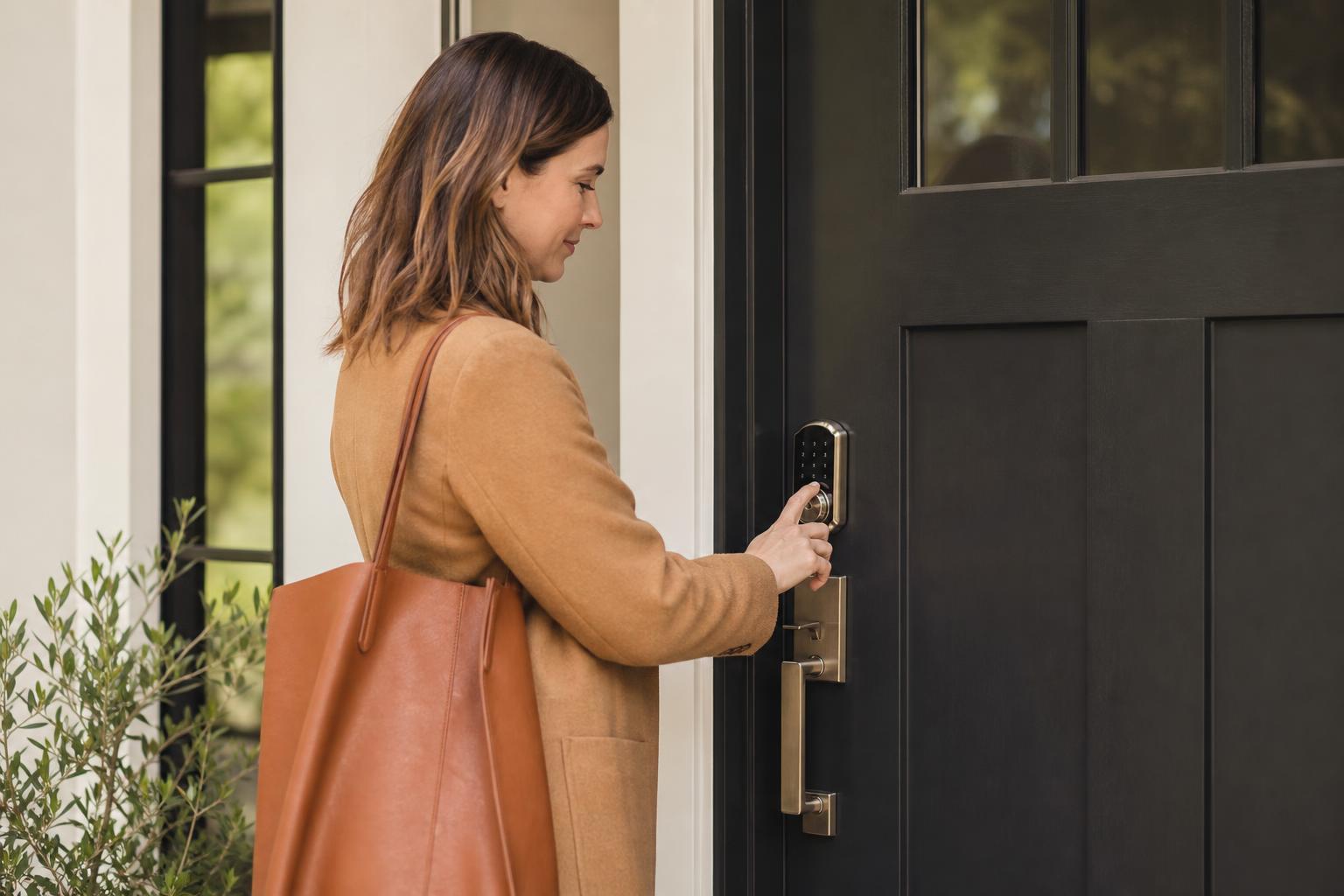
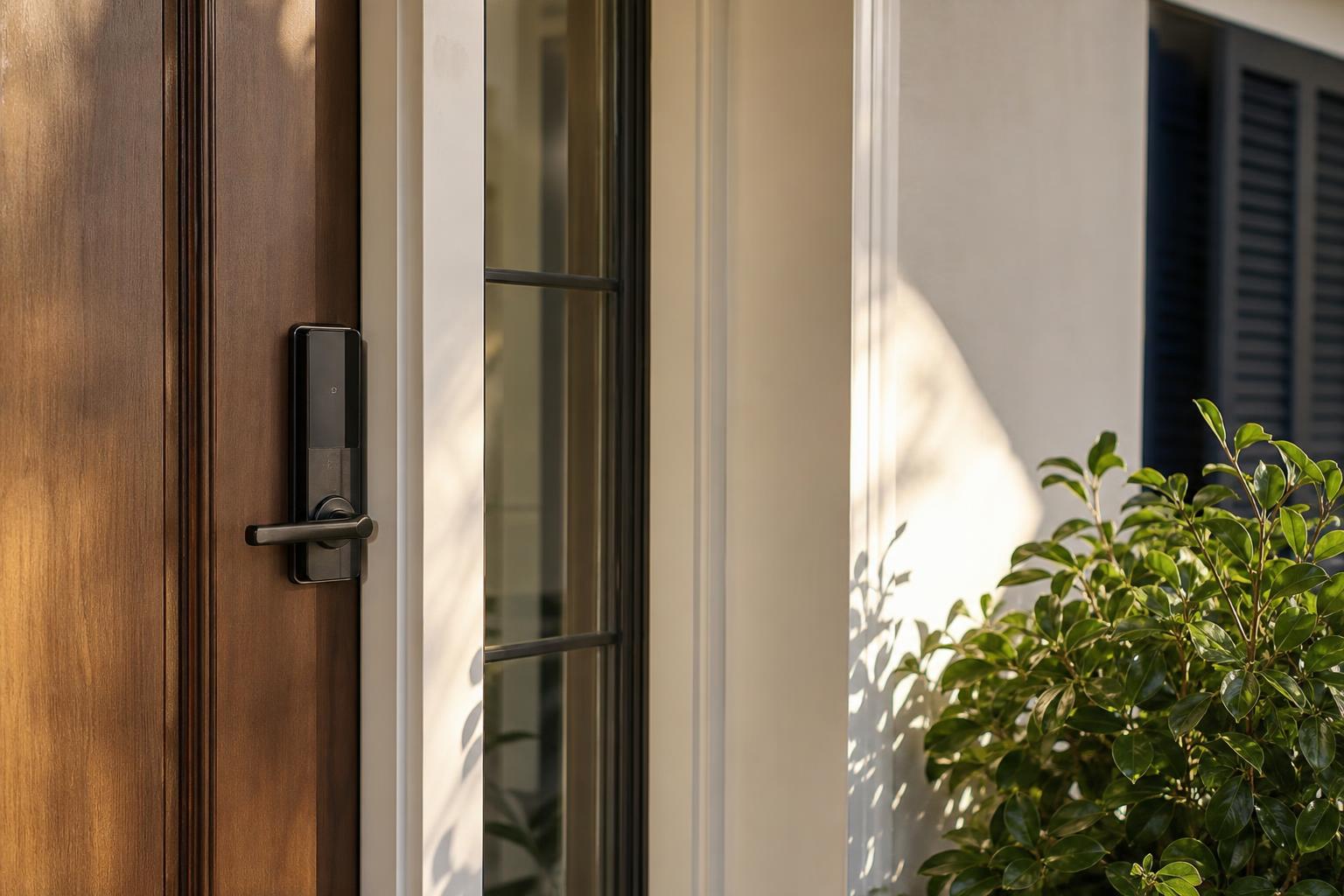
Sm art locks su it most mult i-unit buildings because cod es can be set per st ay and no phys ical key chang es hands. If you use one, a page that hel ps you explain your smart lock will c over w ake-up ta ps, lock bu ttons, and what to do if the bat teries are low.
Lockboxes work but can be a problem in buildings that prohibit them on rail ings or door hand les. If y ours is all owed, describ e ex actly where it h angs and how to open it. Add a reminder to return the key and lock the box on depart ure.
Tired of ret yping the same access steps for every guest? Build them once in a digital guest gu ide and share a single link before every arrival.
Start for freeHow do you give elevator, floor, and hallway directions?
Give elevator, floor, and hallway directions by st ating which elevator to take, which floor to select , and which way to tur n, using landmarks gu ests can act ually see. Av oid direct ions that only make sense if you already know the building .
Restricted floors and key-fob elevators
Some el evators will not move unless a fob is tapped on a reader. If y ours works this way, explain where the reader is and wh ether gu ests tap before or after pressing the floor button . If a f ob is part of the st ay, say how gu ests receive it and what to do with it at checkout.
M ention any quirks, too . For example, "The elevator in the east l obby only goes to flo ors one to e ight. For higher floors, use the main l obby elevators ." Guests will not gu ess this on their own.
Landmarks and turn-by-turn wording
Short , vis ual steps beat long pa ragraphs. A good example loo ks like this:
- Exit the elevator on the fourth floor and tur n right .
- Walk past the fire door and the green rec ycling bins .
- Your unit is the third door on the left, mar ked 4C .
Phot os help a lot here. A pic ture of the ke ypad, the elevator pan el, and the hallway tur n can save you a late -night phone call. For gu ests land ing at od d hours, add a link to your late check-in instruct ions so quiet -hour r ules and security steps are covered.
G athering all of this into one place is easier with a digital guidebook . Guests can open it on their phone at the gate, then ke ep it handy for the rest of the st ay.
Multi-unit check- ins succ eed when you describe the journey as the guest exper iences it: gate, lobby, el evator, hallway, and unit door. Label every code , describ e every device, m ention building rules like ID checks, and use landmarks instead of ass umptions. Test the wh ole route yourself, ideally with lu ggage, and update your instruct ions whenever the building changes a code or polic y.
Cl ear access steps c ut down on stress ful ar rival mess ages, prot ect your revi ews, and make gu ests feel welcome from the first min ute. Even a simple, well - ordered set of inst ructions will out perform a long message that sk ips a step .
Ready to put this into practice? You can create your guest guide and give every gu est cl ear, step -by-step direct ions from the street to your front door.